Blogs

Google Analytics and Marketing Cloud: tracking email in GA4

Connecting Google Analytics and Marketing Cloud tells you what happens after the click: which emails bring visits, sign-ups and orders. Since Universal Analytics was retired, that means GA4. Start from the business goal, then configure the link tracking.

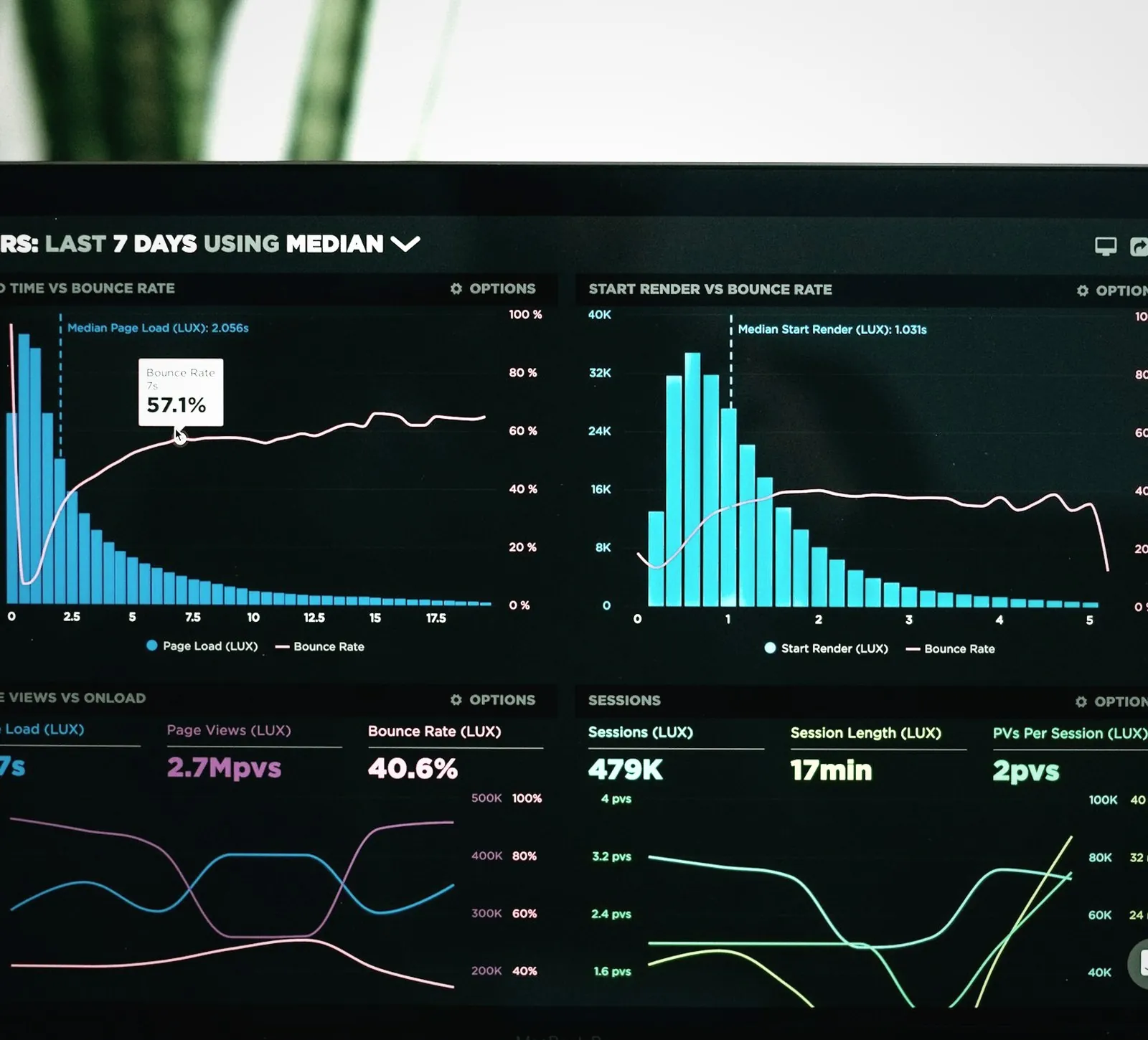
Google Analytics 4 report of visits from Marketing Cloud emails

Key takeaways

1

GA4 reports email results through key events, so define those before you connect.

2

Agreed link parameters join the two systems; the naming convention matters most.

3

Decide per metric whether Marketing Cloud or GA4 is the reference, and name owners.

Heading 1

Heading 2

Heading 3

Heading 4

Heading 5
Heading 6

Lorem ipsum dolor sit amet, consectetur adipiscing elit, sed do eiusmod tempor incididunt ut labore et dolore magna aliqua. Ut enim ad minim veniam, quis nostrud exercitation ullamco laboris nisi ut aliquip ex ea commodo consequat. Duis aute irure dolor in reprehenderit in voluptate velit esse cillum dolore eu fugiat nulla pariatur.

Block quote

Ordered list

  1. Item 1
  2. Item 2
  3. Item 3

Unordered list

  • Item A
  • Item B
  • Item C

Text link

Bold text

Emphasis

Superscript

Subscript

The decision is which system owns the answer to whether an email worked. Marketing Cloud Engagement knows who received and clicked. Google Analytics 4 (GA4) knows what those visitors did on your site. If the two are not joined with consistent link parameters and agreed key events, each team reports its own number, and neither holds up in a budget meeting.

GA4 changes what Marketing Cloud can report on

Google Analytics 4 records everything as events, where Universal Analytics counted sessions and pageviews and measured success through goals. For email reporting that has one practical consequence. Results now depend on key events, the GA4 events you mark as business outcomes. A whitepaper download, a completed form or a purchase only counts as a result once someone has defined it as a key event.

Teams that migrated by copying their old goals one to one often carry definitions nobody owns any more. Review them before you connect Marketing Cloud, because every email report inherits them. In our Discover phase this review comes first: we map what the business needs to measure and challenge the definitions already in place.

Start from the business goal and work backwards

The events worth tracking follow from the outcome you want. If the goal is whitepaper downloads from prospects, the chain runs from email click to landing page view, form start, form submission and download. Each step becomes an event, and the drop between two steps shows where to act. For a retailer the chain runs from email click to product view, basket and order, with revenue attached to the order.

Keep the list short. A handful of well-defined events per journey type is more useful than a long list nobody reads. On Salesforce's platform-native marketing product, web engagement can also be captured in Salesforce's own data layer, which changes where some events live; Marketing Cloud Next and its editions sets out that model.

Link parameters are the join between the two systems

The connection runs on UTM parameters, the tags added to each link so GA4 knows where a visit came from. Marketing Cloud Engagement can append them automatically through Parameter Management. You set utm_source and utm_medium for the channel, and utm_campaign follows the message name or a value you choose per send.

The naming convention matters more than the set-up. If one team writes "email" and another writes "newsletter", GA4 reports them as separate sources and your totals split. Agree the values with whoever owns web analytics, write them down and let Marketing Cloud apply them, so nobody types them by hand.


The naming convention matters more than the set-up.

FORWARD

|

Marketing Cloud team

Test the integration before the first real send

Test the full chain before launch. Send a journey email to an internal list, click through, complete the key event on the site and check that GA4 attributes it to the right campaign. Where your integration includes web data in Journey Analytics, the reporting view inside Journey Builder, confirm that site usage and key events appear there too.

Consent shapes the numbers. Visitors who decline analytics cookies are not tracked, or are only modelled, depending on your consent set-up. GA4 will therefore show fewer email-driven visits than Marketing Cloud shows clicks. Report that gap openly and explain it.

Decide which system answers which question

Marketing Cloud Engagement is the right source for delivery, clicks and unsubscribes per contact. GA4 is the right source for what happened on the site: sessions, key events and revenue by campaign. Trouble starts when both are used to answer the same question. Agree per metric which system is the reference and put that agreement in the reporting pack.

Attribution adds a second layer. GA4 credits a key event to a channel according to its attribution settings, so an order that follows an email click and a later paid search visit may be credited to search. Marketing Cloud has no view of that later visit. Decide whether email is judged on last click or on its share in the GA4 model before anyone sets targets.

Turning those results into decisions about the channel is a subject of its own. Running performance marketing on Marketing Cloud covers the test cycle and the revenue metrics that follow from this set-up.

Named owners keep the data usable

Tracking decays quietly as templates, landing pages and people change. The integration stays reliable when these responsibilities have a name next to them:

  • The web analytics owner maintains the key events and approves every change to them.
  • The marketing automation owner keeps Parameter Management aligned with the agreed values.
  • Someone checks new templates and landing pages for tagging before they go live.
  • One person compares Marketing Cloud clicks with GA4 sessions each month and explains the gap.

For a view that combines web, email and paid media, bringing marketing data together is the next step, once these basics hold. When we implement Marketing Cloud, one team covers both the platform configuration and the tracking plan, so there is one accountable party when the numbers disagree.

Explore Marketing Cloud

Our insights

Button Text
No items found.

No items found.

No items found.